Bulk Book Registration
Bulk registration for registering many books at once.
-
Create a
bookselfWatchfolder under theFilesfolder at theDATA_PATHpath.info- On Linux, set permissions on that folder to 777.
sudo chmod -R 777 ./data/Files/bookselfWatch -
Place the files you want to upload in that folder.
-
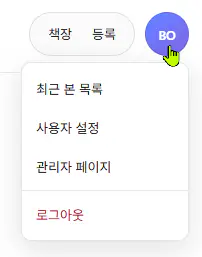
In the web user menu, click
Admin Page.
- In the left menu, click
Upload.
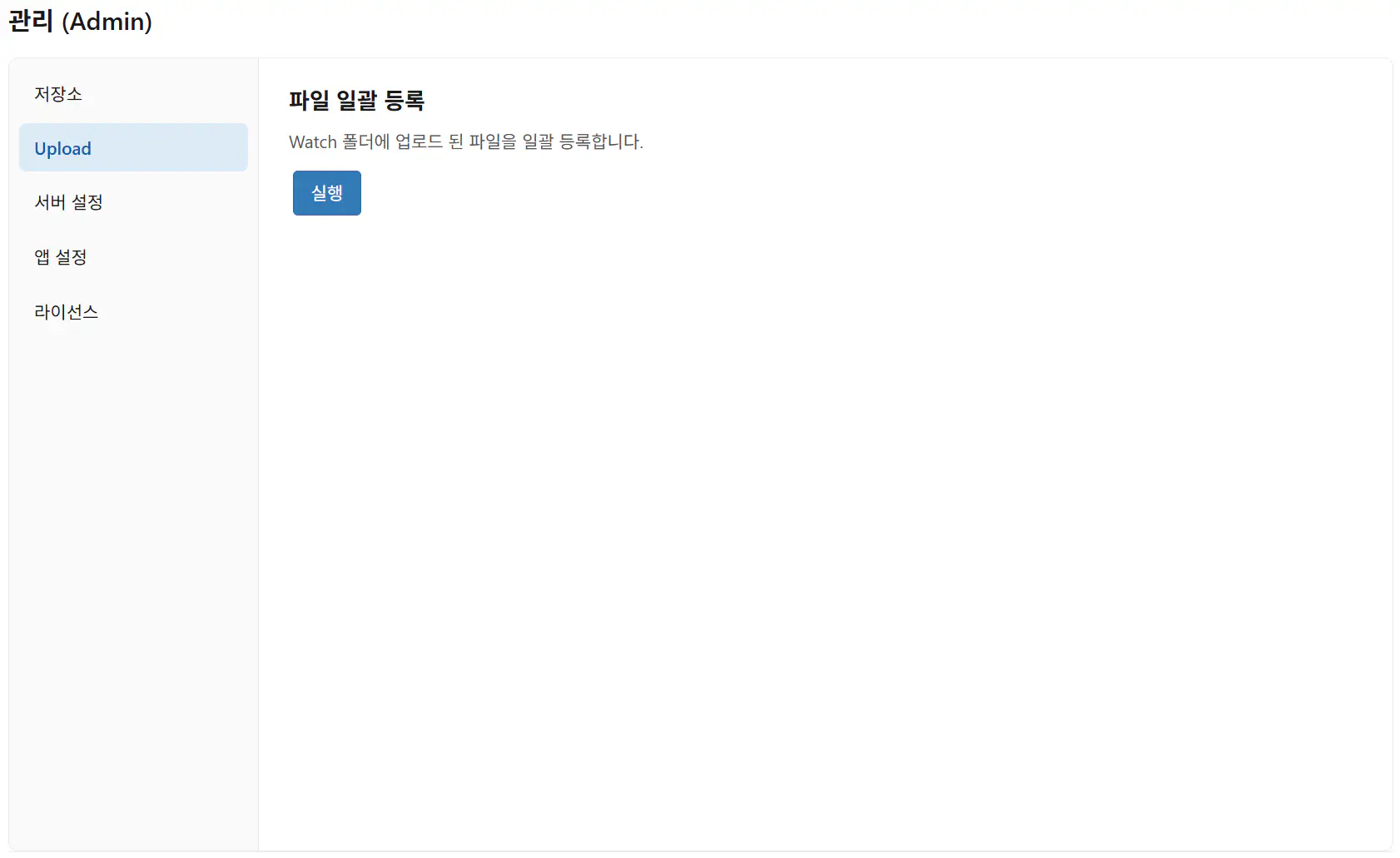
- Click the
Runbutton on the screen.
info
- Bulk file registration automatically creates series-book-chapter metadata from upload file names and uploads the files.
- A series is created for each registered file.
warning
- Although many files can be registered at once, closing the browser stops the job midway. Split the work into batches to avoid missing data.
- Because a series is created per file, individual image files and folders are not supported.
- Create a compressed archive per series you want to register and add those archives.