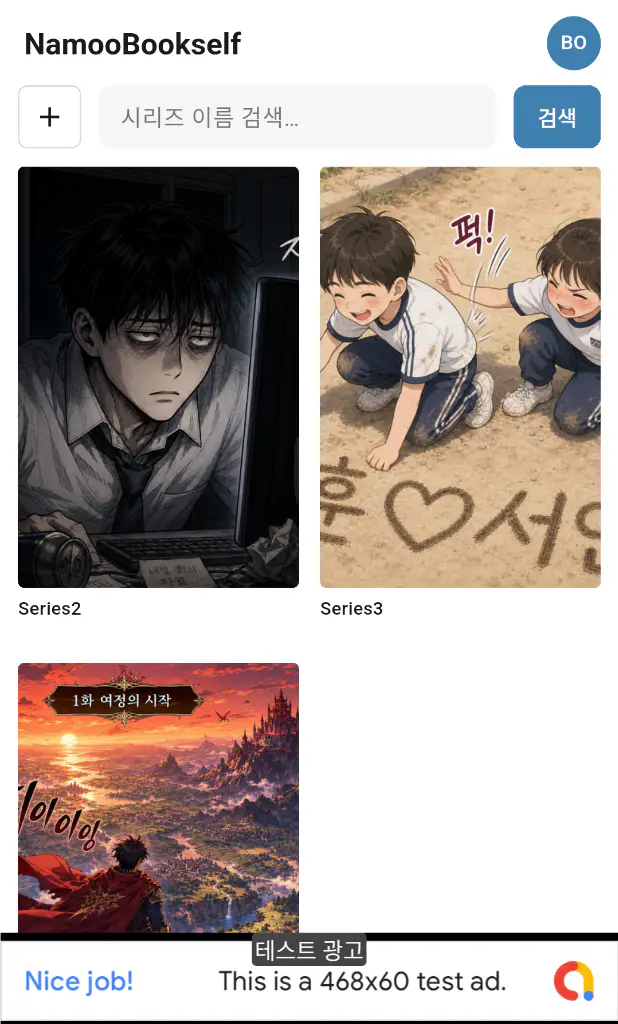
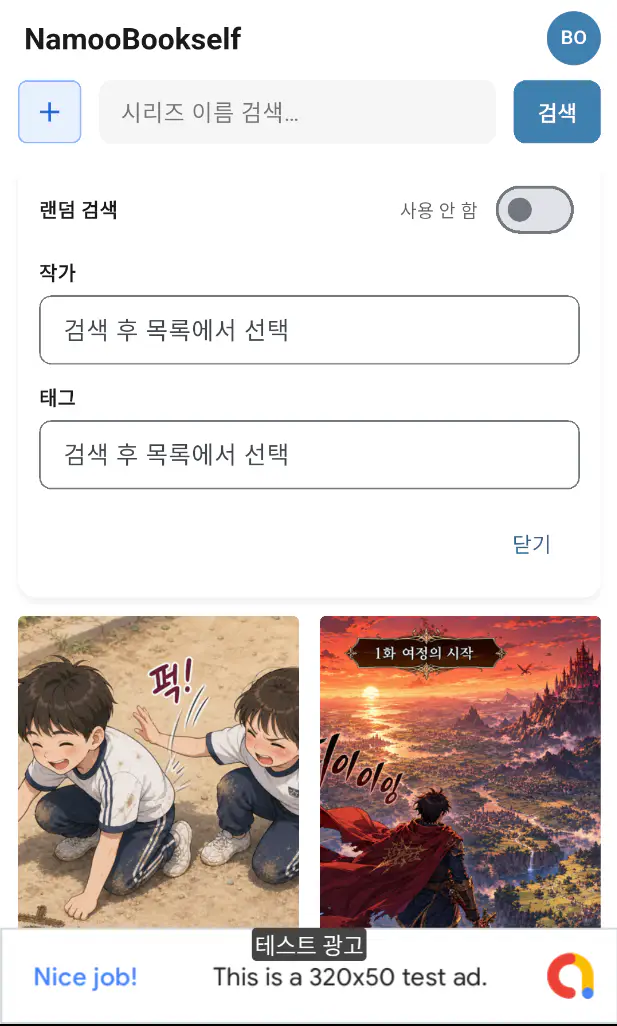
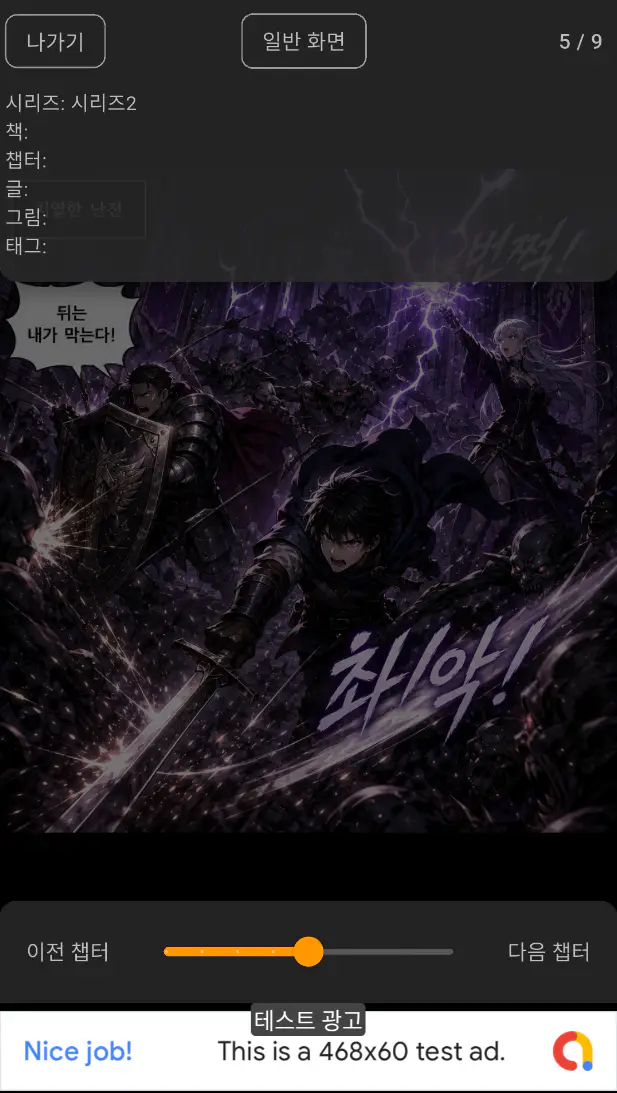
Mobile App
The viewer is currently available for Android only.
iOS is not available yet.
- Optimized for viewing.
- Lock with PIN or biometrics.
Android
Issuing an API Key
An API Key is required to log in from the viewer app.
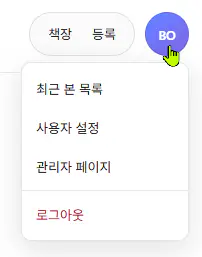
In the user menu, click User Settings.
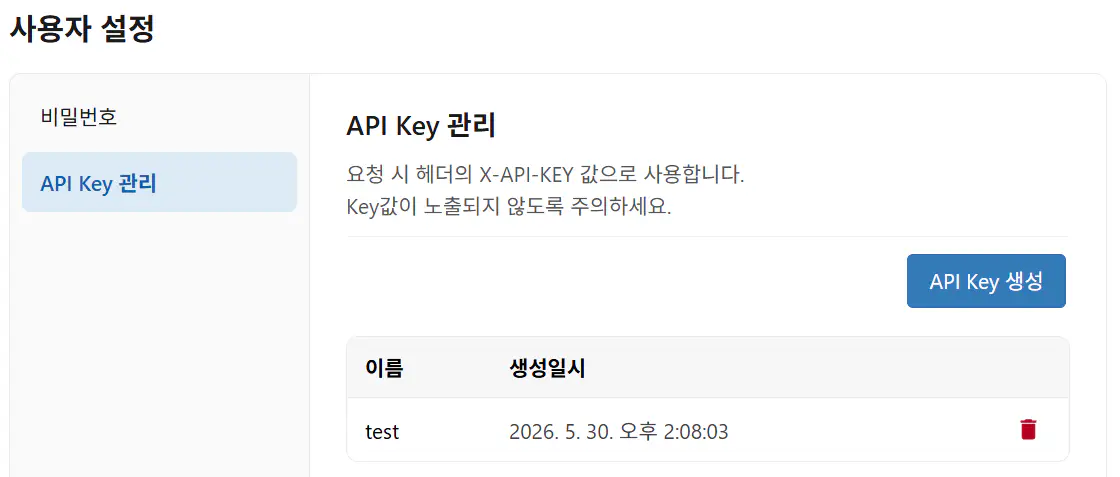
Go to the API Key Management screen and use the Create API Key button to issue a key.
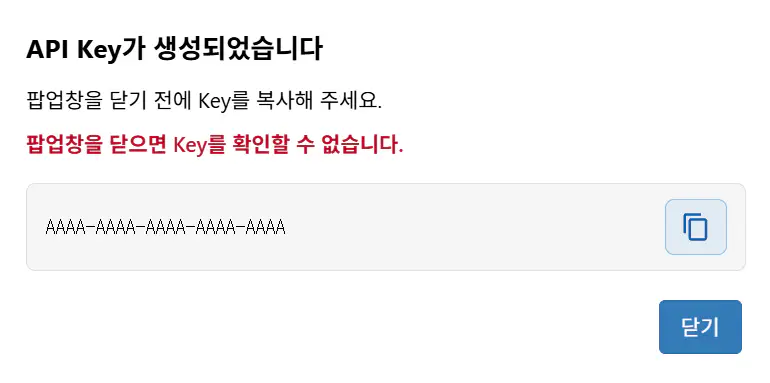
warning
You cannot view the API Key after the popup closes, so copy it before closing.
If lost, issue a new one.
Mobile app
Return to the mobile app and launch the installed app. A login screen like the one below will appear.
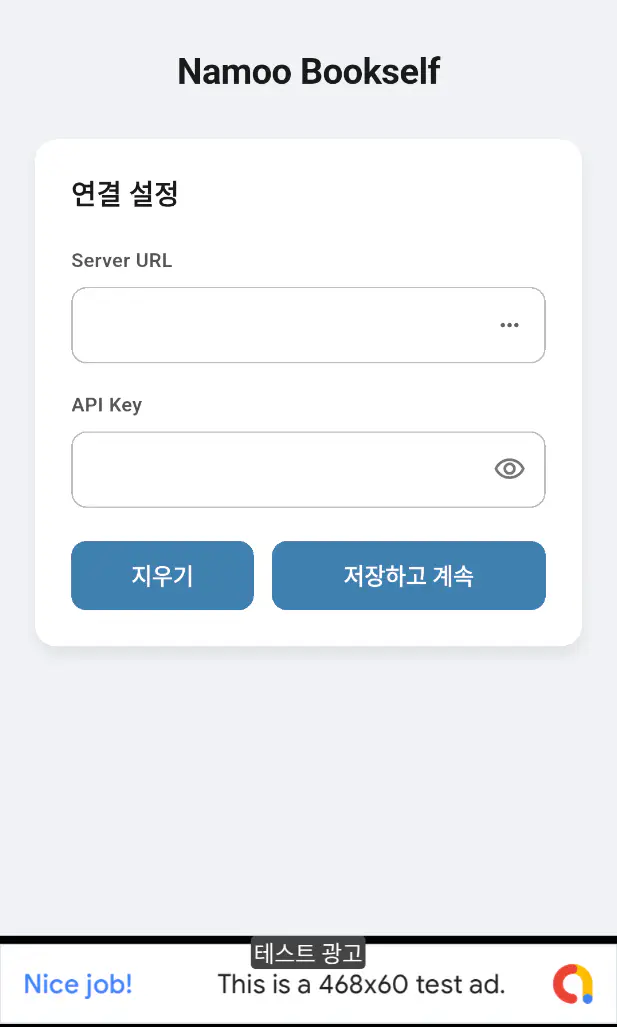
Enter the server URL and the API Key you received to log in.
Screens