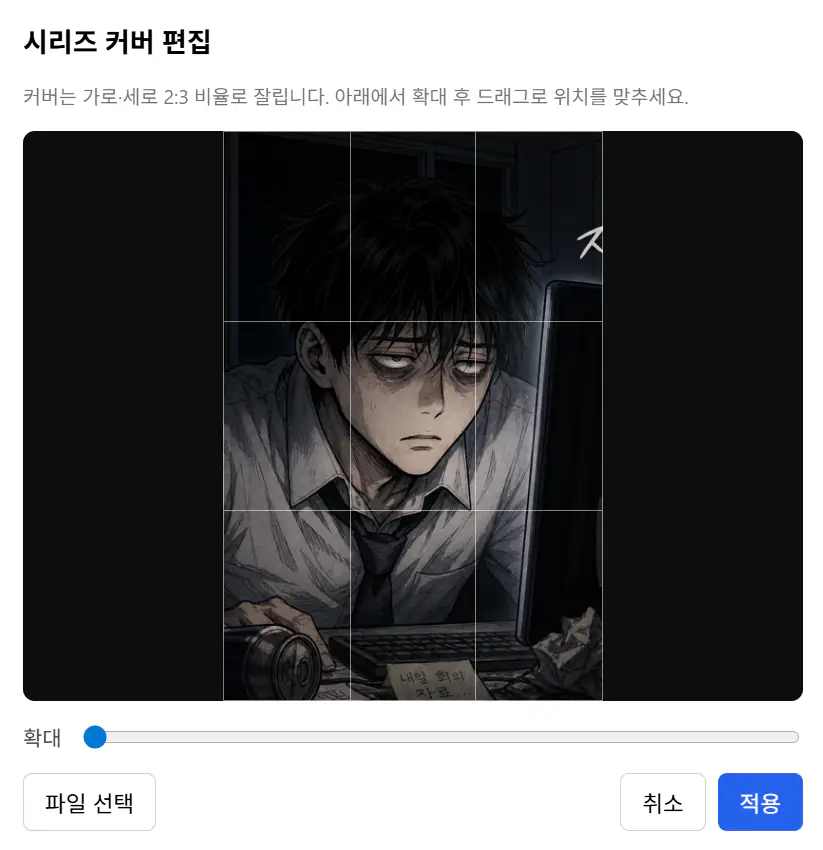
Edit Series
This feature edits series information.
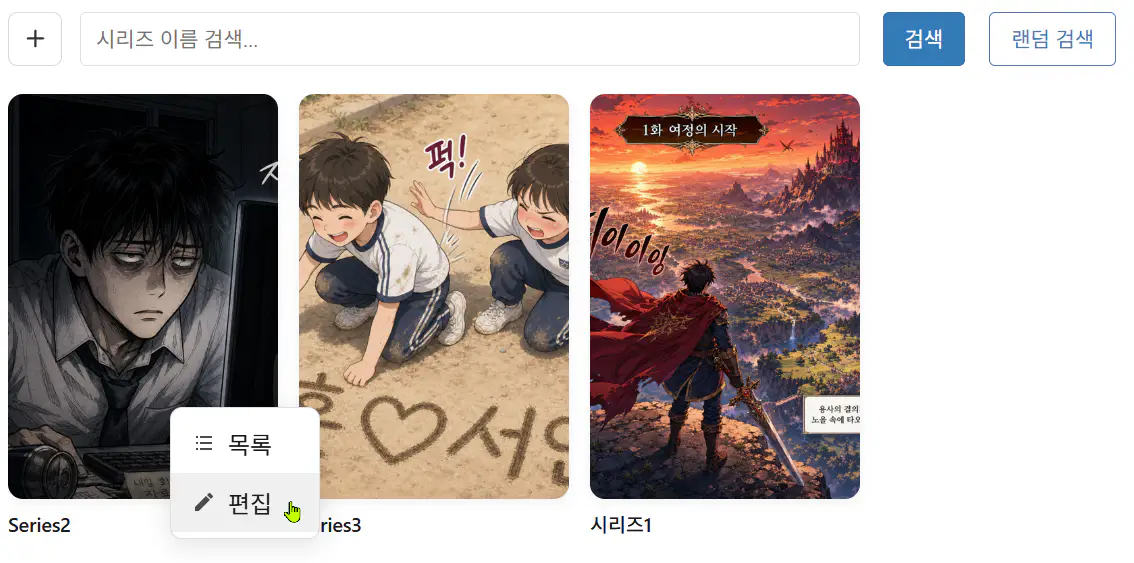
Click an item in the Bookshelf list, or right-click and choose Edit from the menu.
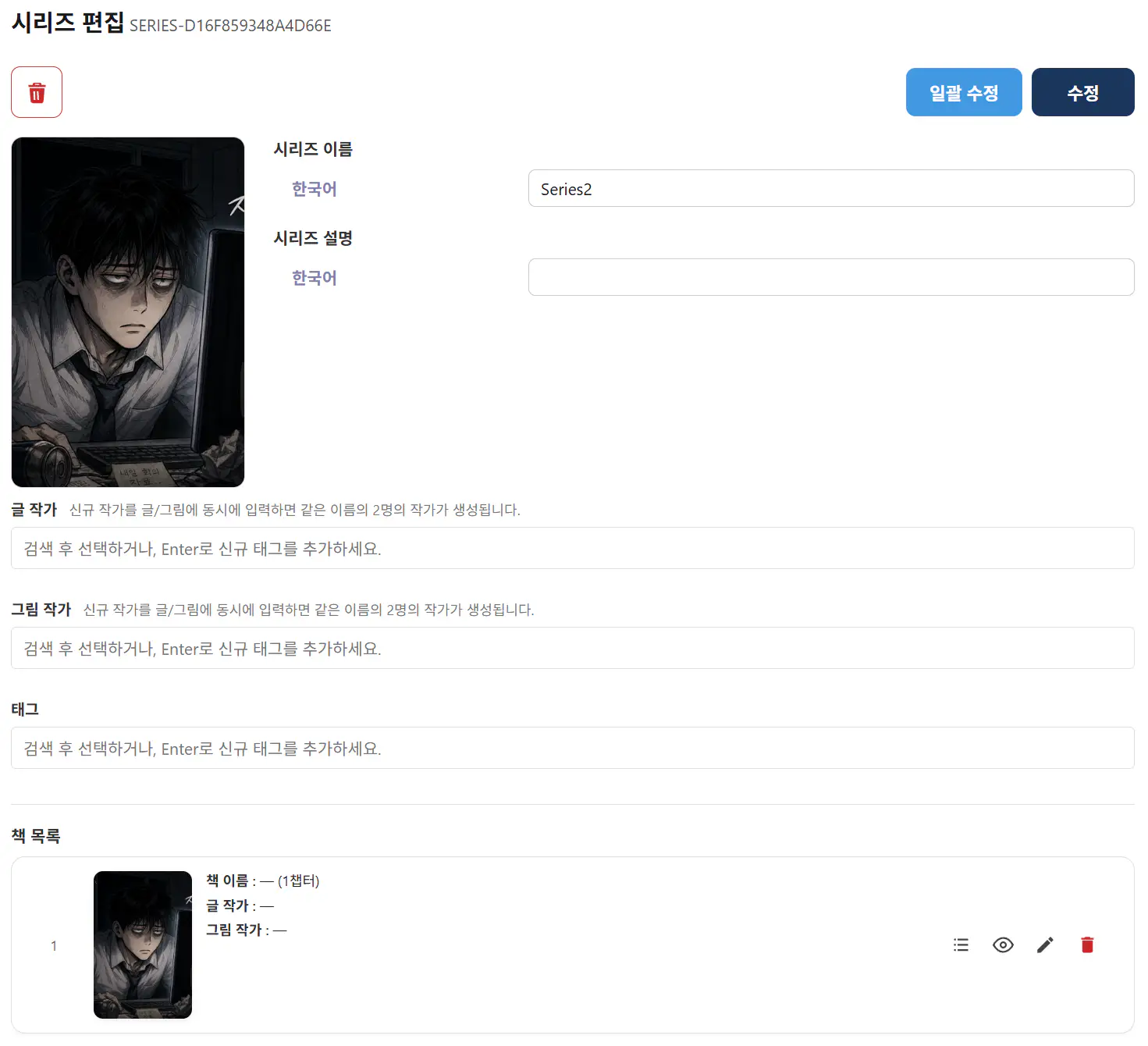
- Trash icon: Deletes series information. All books and chapters underneath are deleted.
- Bulk edit: Overwrites series information to all books and chapters underneath.
- Edit: Changes series information only.
Series cover change and edit
Click the cover image to open a popup where you can change it.
You can make simple edits to registered images or register new files.
When you click Apply, the cropped image is saved.